Dressmaker Troubleshooting
Start by identifying which version you opened. This site embeds a third-party browser-hosted prototype. The creators' itch.io download and the complete Steam release are separate builds with different support paths — and different problems.
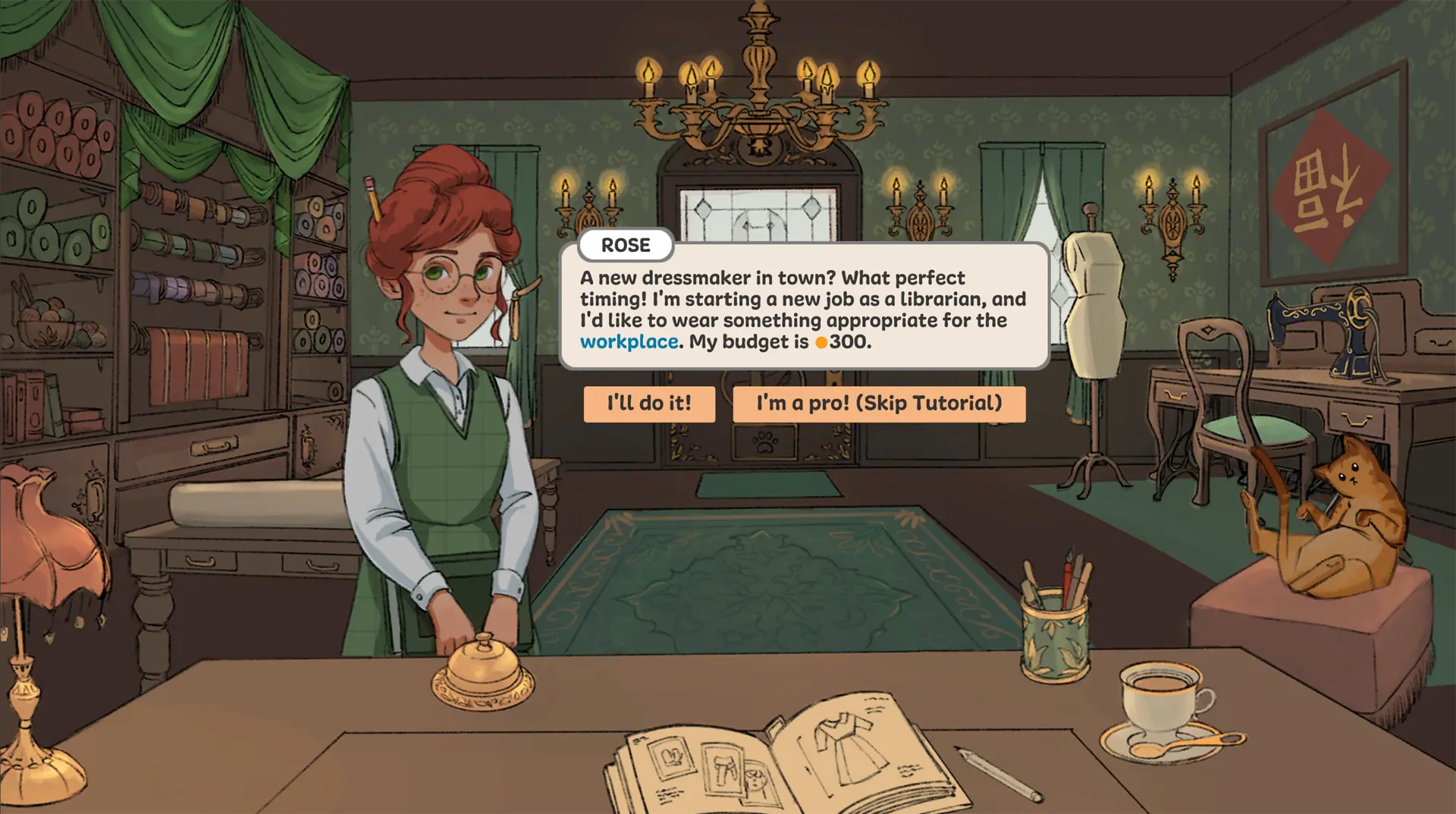
The browser game stays blank or keeps loading
The player embedded here is an HTML5 build served from a separate host. It fetches its core game data first and then streams textures and sound effects as you play, so a healthy load starts quickly and fills in over the first minute. A page that never leaves the loading state is almost always a blocked or failed request rather than a slow one.
- Check what your browser is refusing. Open the developer console and look for failed requests to the game host. A privacy extension, an ad blocker or a corporate network filter will block those files silently, and no amount of waiting will help.
- Use a current desktop browser. Try recent Chrome, Edge, or Firefox with hardware acceleration enabled, then reload the page.
- Try the host directly. Open the hosted game in a new tab. If it loads there but not in the embed, the problem is on this page. If it fails there too, the problem is the host or your network.
- Clear the page cache. A stale copy of the page can point at files that have since moved. A hard refresh, or opening the page in a private window, rules this out quickly.
- Try a clean session. Close extra heavy tabs or extensions, then reopen the page.
- Use the creators' download if needed. If the external host remains unavailable, the official itch.io prototype is a separate desktop option that does not depend on that host at all.
The game appears, but controls do not respond
This is a different problem from a failed load, and it has a different cause. The game canvas sits inside an iframe, so it only receives mouse and keyboard events after you click into it once.
- Click inside the game frame once so it receives keyboard and mouse input.
- Use a mouse for drag, pattern placement, cutting, and sewing actions. A touch screen or trackpad may make precision steps harder.
- Leave browser zoom at its normal setting and try the player in fullscreen if controls feel cramped.
- Check that the browser is not intercepting the mouse wheel or the arrow keys for page navigation.
- Read the beginner walkthrough for the first commission and the fabric and pattern guide for layout tips.
The dress is finished but the result looks wrong
Sometimes nothing is broken and the dress simply does not meet the target. The Dress Progress panel shows the values the game computed, and a green check appears next to a line only when the displayed value reaches the displayed target. A finished dress can sit below its quality target and still offer you a Complete Commission button. That is a result, not a bug, and it is the signal to change one design decision and try again — the quality targets guide shows both outcomes side by side.
Desktop prototype and Steam help
The creators' itch.io page publishes the current prototype files and its own Mac installation notes. Follow that page for prototype-specific warnings and updates. For the complete commercial game, use the official Steam listing and its community or support links. Our browser troubleshooting steps do not diagnose those desktop builds.
One desktop-specific note from the creators: the itch.io prototype is not notarised, so macOS may warn that the app might be malicious. Their own instructions are to open System Settings, go to Privacy & Security, and confirm with Open Anyway.
Frequently asked questions
Is the browser player the complete Steam game?
No. It is a browser-hosted prototype. The complete release is a separate commercial edition on Steam with more customers, fabrics and decoration tools. Compare the versions.
Can I play the browser prototype offline?
No. The browser player needs to load files from its external host. The creators' desktop prototype is a different download; check its current listing for details.
The game loaded but a click does nothing — what should I try?
Click once inside the game frame so it takes keyboard and mouse focus, then try again. If clicks land but drags and cuts feel wrong, switch to a mouse and keep browser zoom at 100%.
Why does the page say the dress is finished but the quality target is not met?
Because finishing the garment and meeting the customer's target are separate steps. The Dress Progress panel shows each value against its own target, and the check mark only appears when that line is satisfied. See quality targets.
Where can I report a game bug?
For the creators' prototype or Steam release, use the support and community links on their official store pages. For a broken embed or website issue here, use our contact form.
Last updated: 24 October 2026