Dressmaker Build 443: What Changed and What to Try
If a familiar action stopped working after the October 14 update, start with the task you were doing. These checks turn the developers' Build 443 notes into a short route back to cutting, placing trim and reading a commission result.
Find your task first
| If you are trying to… | Check this in the Steam game |
|---|---|
| Zoom or move the mannequin view | Hold Control while scrolling to zoom smoothly. Hold the right mouse button and drag to pan. The update also adds keyboard orbit controls; read the on-screen hints for the current keys. |
| Collect pieces or discard fabric in the cutting room | Use the new button to grab all panel pieces. Scissors discard fabric only after you choose the discard fabric button. The patch also adds drag panning, or wheel panning while scissors are selected. |
| Place or adjust trim | Try Fast Trim Placement if repeated clicks are difficult. Click a trim end node to select it, then click again to extend it. There is also a duplicate-trim button for another piece with the same size, height and tilt. |
| Compare a dress with an old result | Recheck colour and fabric-type requirements. The developers changed how smaller components contribute to those requirements, so an older dress can show a different value after the update. |
Before you redo a dress
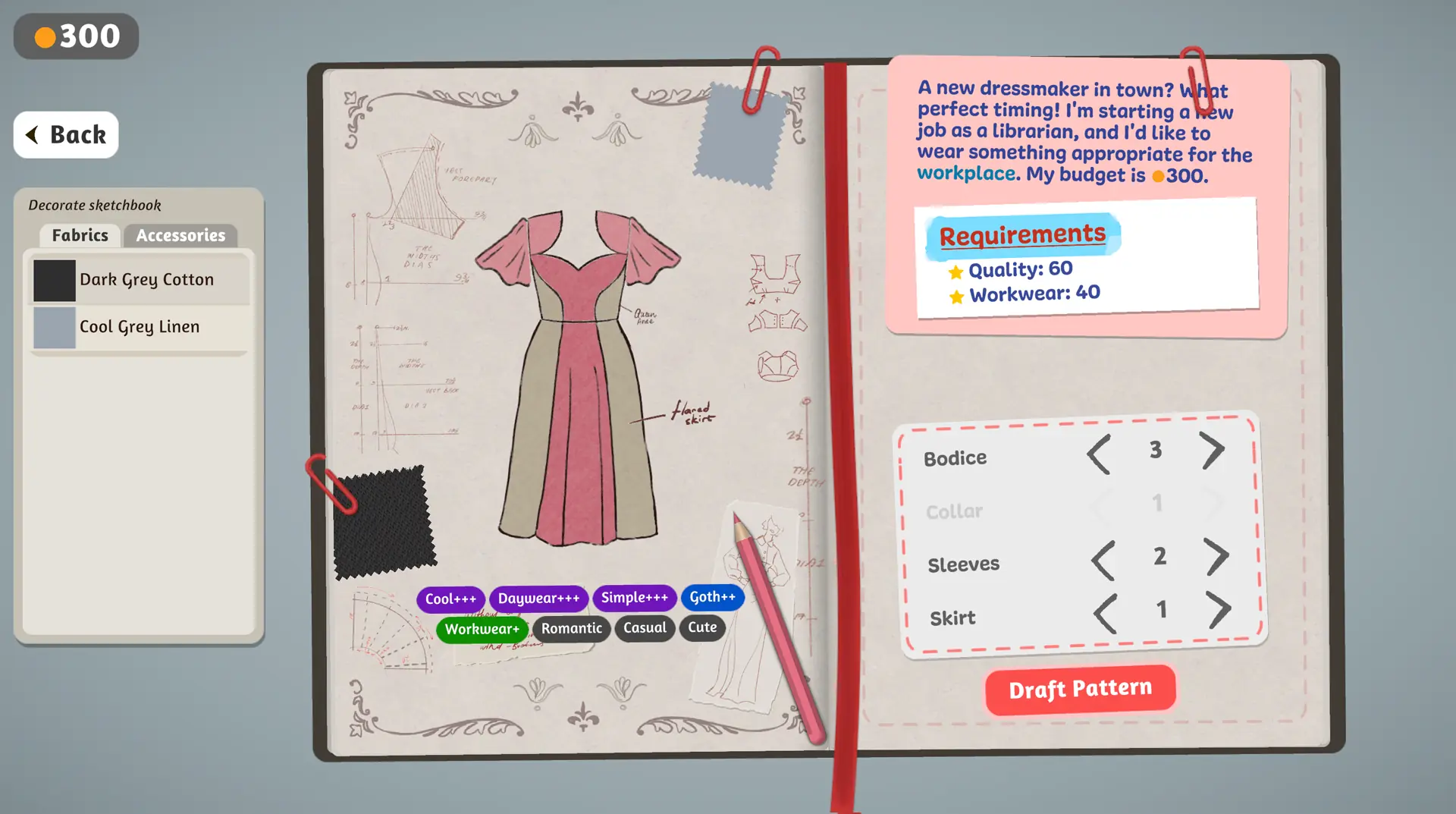
- Confirm your edition and build. Open the Steam game for these controls. The browser prototype's sketchbook and result screens are useful for learning the basic loop, but they cannot verify a Steam patch.
- Read the hint at the bottom of the current scene. The update adds more in-game control hints, and the patch announcement says some familiar keys and workflows changed.
- Try one action at a time. For example, test Control plus scroll before adjusting a trim. If a past dress looks different, compare its requirement values before remaking it.
- Record a reproducible issue. Note your build, scene, exact action and whether the dress was created before the update. The patch mentions continuing work on crashes, performance and controls; it does not promise that every issue is fixed.
Why an old dress can score differently
The patch changes the contribution of colour and fabric type on small parts such as collars and sleeves. The developers say these pieces now receive more weight in those particular requirements; style tags were already handled that way. A changed result on a saved dress can therefore reflect the new calculation rather than a new sewing mistake. Compare the values shown by your installed build, and avoid treating a screenshot from the prototype as a score target for the Steam game.
What the update does not establish
The announcement describes improvements and fixes, including trim placement and some performance work. It also says full control rebinding and gamepad support remain priorities. If your current build still has a problem, use the edition-specific troubleshooting guide and the official Steam community or support route. A developer patch note is evidence of an intended change, not proof that every affected save or machine now behaves the same way.
Source: Dressmaker developer's Build 443 announcement, October 14, 2026. Checked 31 October 2026. Last updated: 31 October 2026.